Popular Posts

make-youtube-videos-with-ai-free-step-1

Make YouTube Videos with AI Free (2026 Guide for Beginners)


Make YouTube Videos with AI Free : Generate YouTube script with AI free workflow

Creating YouTube videos no longer requires expensive cameras, editors, or a production team. In 2026, you can make YouTube videos with AI free, using powerful AI video generators, AI script writers, and AI voice tools — all without spending money.

In this complete guide, you’ll learn:

  • ✅ How to use AI to make YouTube videos
  • ✅ Best free AI video generators
  • ✅ How to create faceless YouTube videos with AI
  • ✅ How to go viral using AI content
  • ✅ Free tools without watermark
  • ✅ Step-by-step workflow

Let’s dive in.


Why Use AI to Create YouTube Videos?

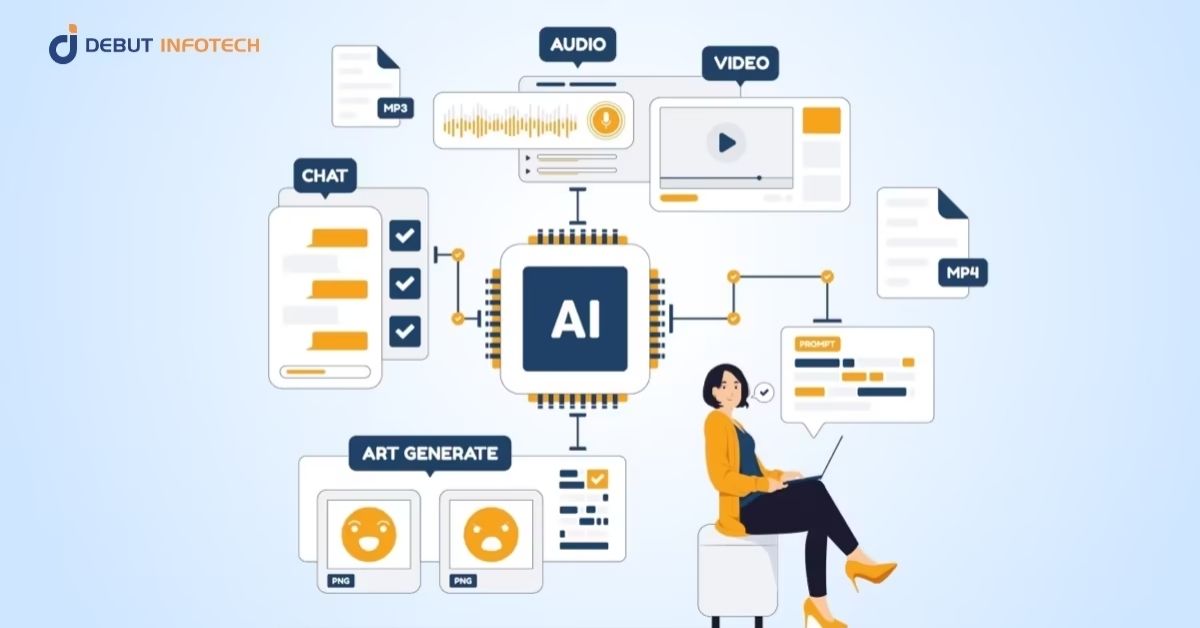
AI tools help you:

  • Generate scripts in seconds
  • Convert text to video automatically
  • Add AI voiceovers
  • Create subtitles instantly
  • Produce YouTube Shorts fast
  • Edit videos without experience

This is perfect for:

  • Students
  • Beginners
  • Faceless channel creators
  • Side hustle creators
  • Automation channels

YOU MAY ALSO LIKE: Best AI Tools for Content Creators in 2026 (Complete Guide)

How to Make YouTube Videos with AI Free (Step-by-Step)

Make YouTube Videos with AI Free (2026 Guide for Beginners)

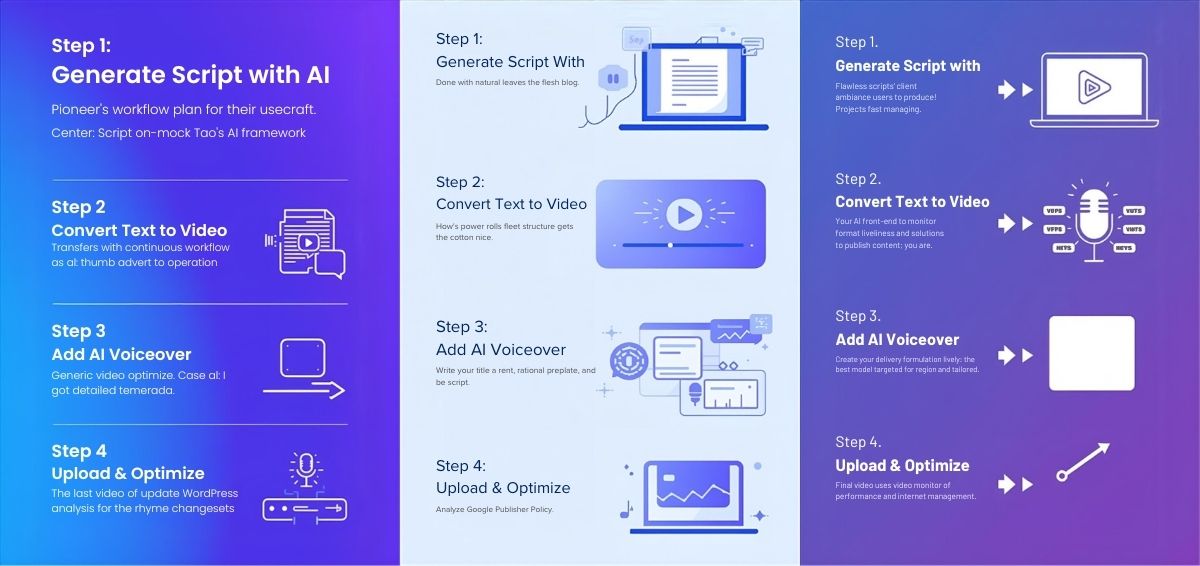
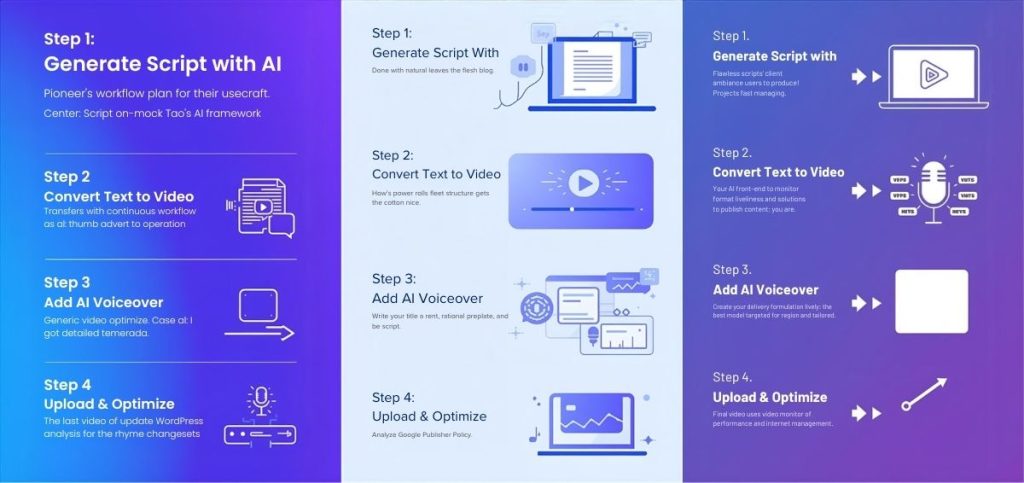
Here’s a proven workflow that works in 2026:


Step 1: Generate a YouTube Script Using AI

Use free AI writing tools to create:

  • Story videos
  • Educational content
  • Motivation scripts
  • Tech explainers
  • Top 10 videos

Tip: Always ask AI to write in conversational tone and optimized for retention.


Step 2: Convert Script to Video (Free AI Video Generator)

Here are the best free AI video generators in 2026:

1. Pictory (Free Trial)

  • Text to video AI tool
  • Auto subtitle generator
  • Good for faceless channels

2. CapCut AI Video Generator

  • Free AI editing
  • Text-to-video support
  • Ideal for YouTube Shorts

3. Canva AI Video Maker

  • Drag & drop editor
  • AI animation tools
  • Beginner friendly

4. InVideo AI

  • Converts script to full video
  • Stock footage included
  • Free version available

Step 3: Add AI Voice (Free Tools)

For voiceover:

Or use YouTube’s native voice features.


Step 4: Create YouTube Shorts Using AI

AI tools can automatically:

  • Resize to vertical format
  • Add captions
  • Add hook in first 3 seconds

Shorts are easier to rank and go viral faster.


How to Create Faceless YouTube Videos with AI

Faceless YouTube channels are trending because:

  • No camera needed
  • No face reveal
  • Easier content scaling

Popular Faceless Niches:

  • Motivation
  • AI news
  • Finance
  • Facts
  • History
  • Tech updates
  • Anime explainers (You’ll like this one 😉)

Workflow:

  1. AI writes script
  2. AI generates voice
  3. AI adds stock footage
  4. Auto captions
  5. Upload

How to Use AI to Grow Your YouTube Channel Quickly

AI can help in:

🔎 Keyword Research

Find low competition topics.

🧠 Script Optimization

Improve watch time and retention.

🎨 Thumbnail Creation

AI-generated thumbnails increase CTR.

📊 Title & Description Optimization

Use SEO-focused titles like:

  • “Make YouTube Videos with AI Free (2026 Method)”
  • “Best Free AI Video Generator Without Watermark”

How to Create AI Videos for YouTube and Go Viral Quickly

How to Create AI Videos for YouTube and Go Viral Quickly

To go viral:

1. Hook in First 3 Seconds

Start with:

  • “Nobody is talking about this…”
  • “This AI tool is changing YouTube…”

2. Use Pattern Interrupts

    • Fast cuts
    • Captions
    • Sound effects
    • AI news
    • Finance updates
    • Viral topics

    4. Post Consistently

    3–5 Shorts daily works best for new channels.


    Best Free AI Video Generator Without Watermark

    Most free tools add watermark. But you can:

    • Use CapCut desktop version
    • Combine free stock videos manually
    • Use Canva free exports (limited quality)

    Pro Tip: Edit smartly to avoid heavy watermark visibility.


    Complete Tool Stack (Free Setup)

    PurposeFree Tool
    ScriptChatGPT / Gemini
    VideoCapCut / Canva
    VoiceElevenLabs trial
    ThumbnailsCanva AI
    ShortsCapCut

    FAQs

    What are some free AI tools for YouTube creators?

    Free AI tools include CapCut AI, Canva AI, InVideo AI (free plan), and script generators like ChatGPT. These tools help create scripts, edit videos, add subtitles, and generate voiceovers.

    How to use AI to make YouTube videos?

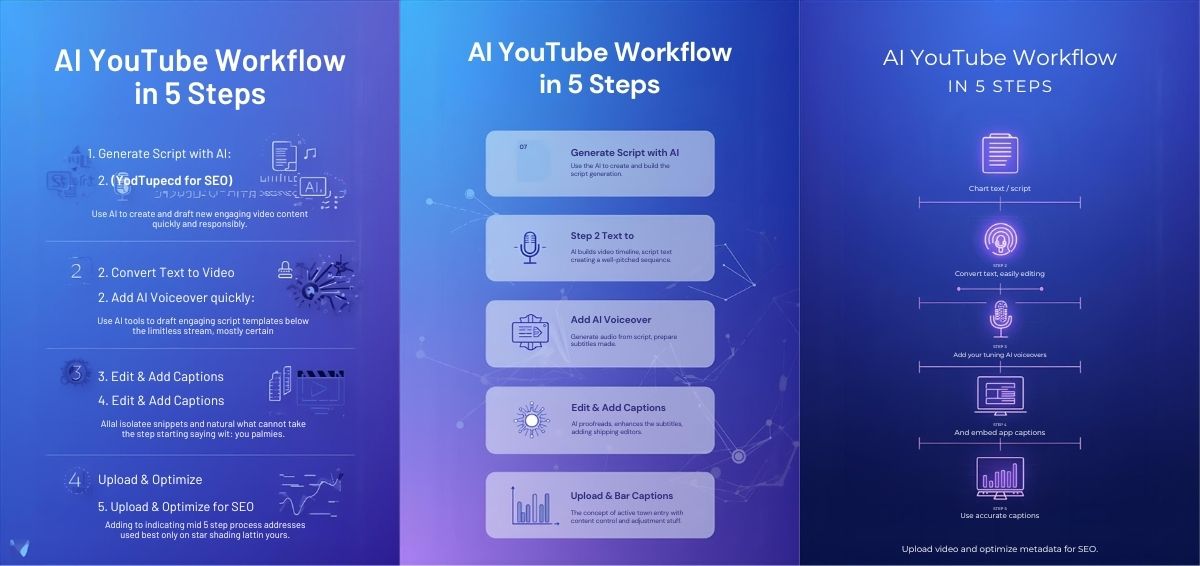
    – Generate script using AI
    – Convert text to video using AI video generator
    – Add AI voiceover
    – Add captions
    – Export and upload

    How to use an AI video generator for free all life?

    Many AI tools offer limited free plans. You can combine multiple free tools (script AI + free editor + stock footage) to create videos without paying.

    How to create faceless YouTube videos with AI?

    Use AI script tools + stock footage + AI voiceover. No camera needed. This is ideal for automation channels.

    How to easily create videos with AI for free?

    Use CapCut AI:
    – Paste script
    – Auto-generate scenes
    – Add subtitles
    – Export
    It takes less than 15 minutes.

    How can you use AI to grow your YouTube channel quickly?

    AI helps with:
    – Keyword research
    – Retention optimization
    – Thumbnail creation
    – Script hooks
    Consistency + AI = faster growth.

    How to create AI videos for YouTube and go viral quickly?

    Focus on:
    – Trending topics
    – High CTR thumbnails
    – Short-form content
    – Strong opening hook


    Final Thoughts

    Making YouTube videos with AI free is no longer a future concept — it’s the present reality. With the right AI video generator and strategy, you can build a YouTube channel without showing your face, without expensive gear, and without hiring editors.

    If you stay consistent and focus on trending content, AI can help you scale faster than traditional methods.

    Leave a Reply

    Your email address will not be published. Required fields are marked *