


















Tested, Ranked & Ready to Deploy in 2026
A comprehensive, step-by-step guide to the most powerful AI-powered workflow templates on Make.com. From ChatGPT integrations to autonomous AI agents, these templates will transform how you work.
Table of Contents
What Are Make.com AI Automation Templates?
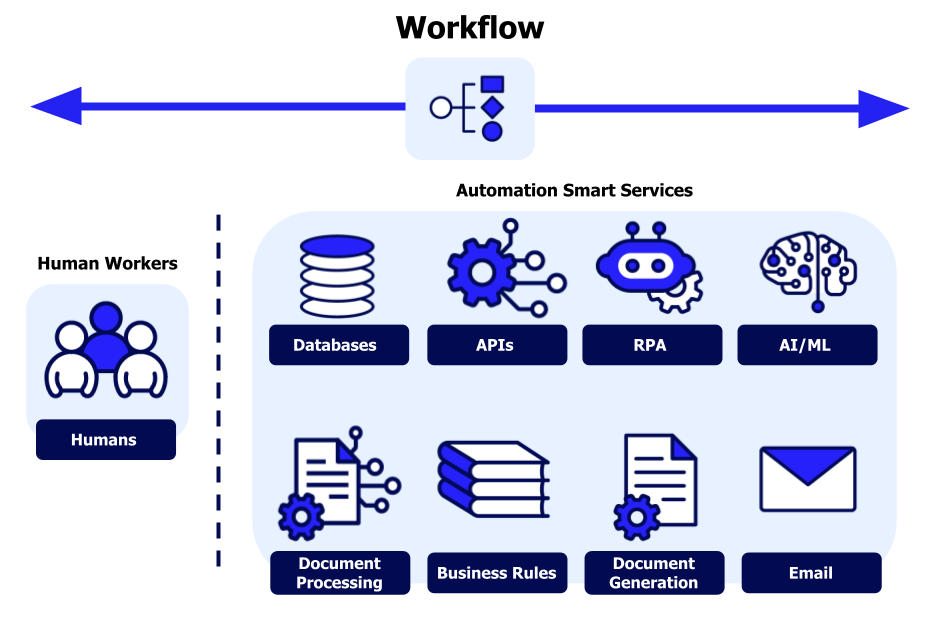
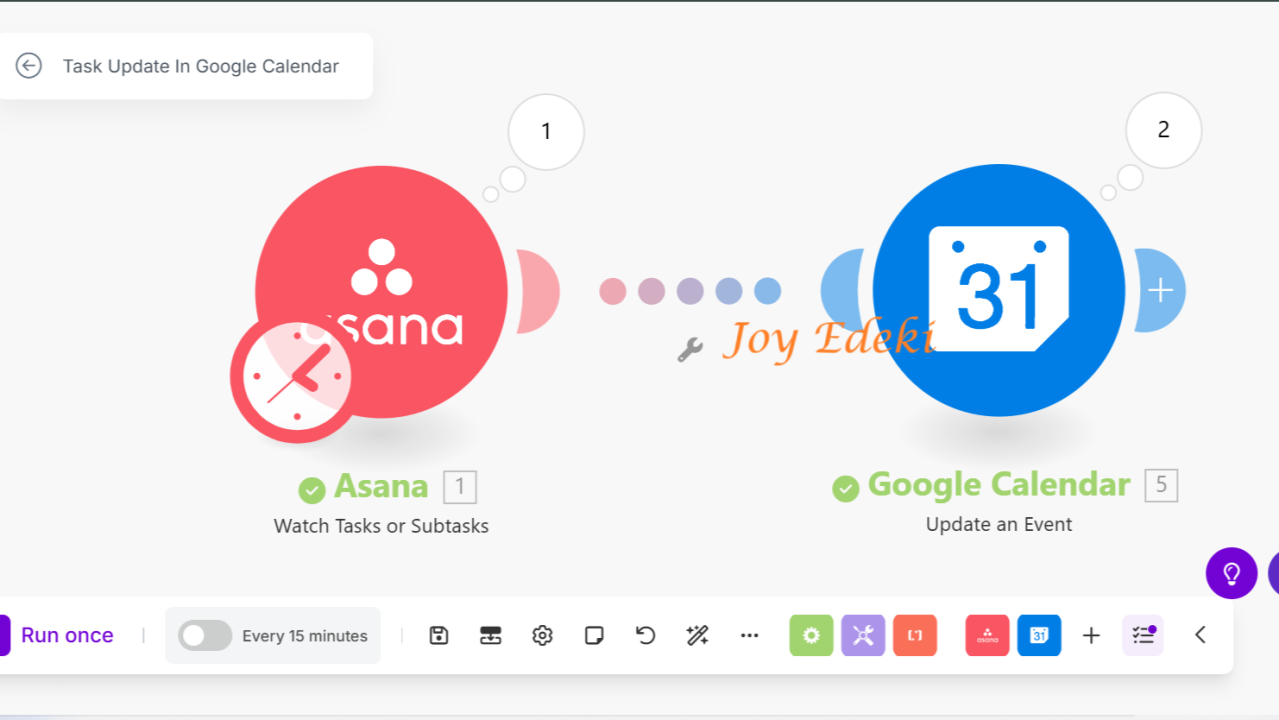
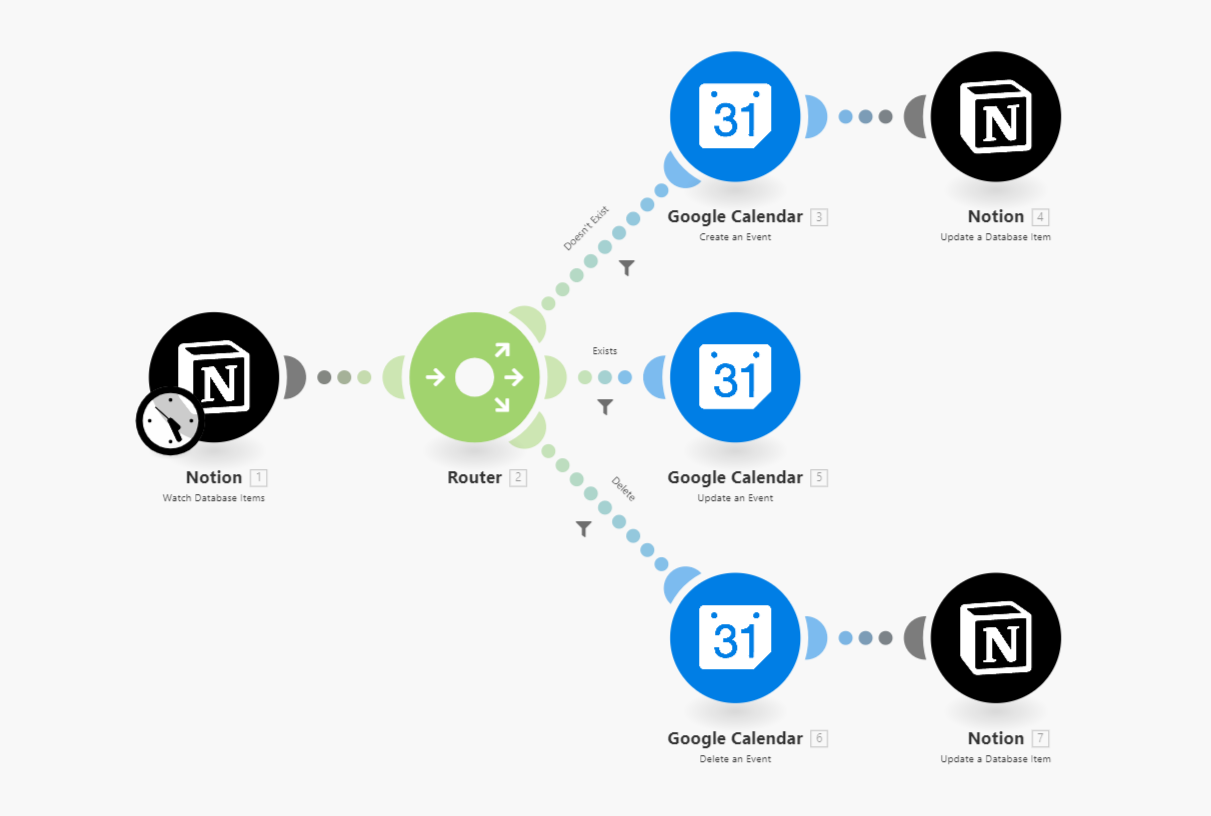
Make.com (formerly Integrant) has evolved from a simple integration platform into one of the most powerful AI workflow automation tools available in 2026. With over 7,000 ready-made templates and native support for AI integrations including OpenAI, Google Gemini, Anthropic Claude, and its own built-in AI Agents, Make.com enables businesses and individuals to automate complex tasks that previously required custom coding and expensive development resources. Whether you are a solo entrepreneur, a marketing professional, or a growing startup, AI automation templates on Make.com can save you hundreds of hours per month while dramatically improving consistency and output quality across every area of your business operations.
AI automation templates on Make.com are pre-built workflow blueprints that combine traditional app integrations (like Google Sheets, Slack, Notion, and Shopify) with artificial intelligence capabilities such as text generation, sentiment analysis, image creation, data extraction, and intelligent decision-making. Instead of spending weeks building these workflows from scratch, you can simply click a template, connect your accounts, customize a few parameters, and have a fully functional AI-powered automation running in under fifteen minutes. This approach democratizes access to enterprise-grade AI capabilities, making them accessible to everyone regardless of technical background.
In this comprehensive guide, we have tested, ranked, and documented 15+ of the most powerful and practical Make.com AI automation templates available right now. Each template includes a detailed walkthrough of what it does, how to set it up, real-world use cases, and tips for customization. Whether you want to automate content creation, streamline customer support, generate leads on autopilot, or build your own AI agents, this guide covers everything you need to start automating smarter with Make.com.
Why Make.com Is the Best Platform for AI Automation in 2026
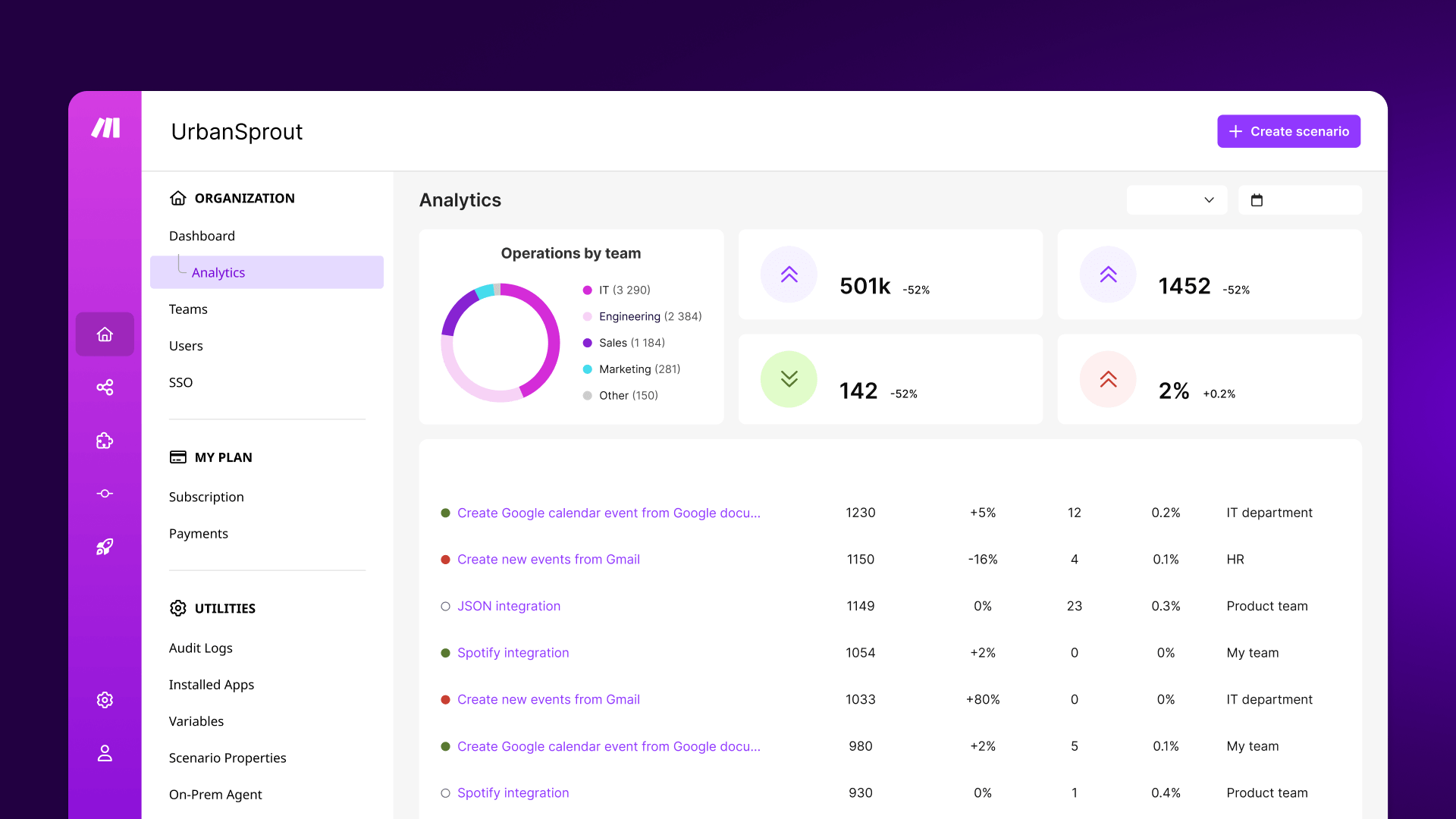
The AI automation landscape has exploded in 2026, with dozens of platforms competing for attention. However, Make.com stands out for several critical reasons that make it the preferred choice for both beginners and advanced users looking to leverage artificial intelligence in their daily workflows. According to recent industry data, AI search traffic has grown by over 527% year-over-year, and platforms like Make.com are riding this wave by continuously expanding their AI capabilities and template library.
- Visual Drag-and-Drop Builder: Unlike Zapier's linear interface, Make.com offers a canvas-based visual builder where you can see your entire workflow at a glance. This makes it significantly easier to understand complex AI automations that involve multiple branches, conditional logic, and data transformations. You can literally see how data flows from one step to the next, which is invaluable when debugging AI-powered workflows.
- Native AI Integrations: Make.com supports direct integrations with OpenAI (ChatGPT, DALL-E, Sora, Whisper), Google Gemini, Anthropic Claude, and Mistral. Additionally, Make has launched its own AI Agents feature that allows you to build autonomous agents that can execute multi-step tasks across 3,000+ connected apps. This native support means you don't need complex API configurations or middleware to get started.
- 7,000+ Ready-Made Templates: The template library is one of Make.com's biggest competitive advantages. With thousands of community and official templates, many of which are specifically designed for AI use cases, you can find pre-built solutions for almost any business scenario. The AI category alone contains hundreds of templates covering content generation, data processing, customer support, lead scoring, and much more.
- Cost-Effective Pricing: Make.com offers a generous free tier that includes 1,000 operations per month, which is sufficient for testing and small-scale automations. Paid plans start at a fraction of the cost of enterprise alternatives, making it accessible for solopreneurs and small businesses. The pay-per-operation model means you only pay for what you actually use, unlike subscription-based AI tools that charge flat monthly fees regardless of usage.
- Advanced Error Handling: Make.com includes sophisticated error routing, automatic retries, and data stores that make your AI automations more reliable. This is crucial when working with AI models, which can occasionally produce unexpected outputs or experience rate limiting. The platform's built-in error handling ensures your automations keep running smoothly even when individual AI calls fail.
Top Make.com AI Templates for Content Creation
Content creation is one of the most popular and immediately impactful use cases for AI automation. These templates leverage large language models like ChatGPT and Claude to generate, repurpose, and optimize content across multiple channels simultaneously. According to recent market research, businesses using AI content automation report saving an average of 12-15 hours per week on content-related tasks, while maintaining or even improving content quality and consistency. Here are the most powerful content creation templates available on Make.com.

1. AI Blog Post Generator with Auto-Publishing
This template automates the entire blog content pipeline from ideation to publication. It connects Google Sheets (for topic ideas), OpenAI's GPT-4 API (for content generation), and WordPress or your preferred CMS (for auto-publishing). The workflow reads topic ideas from a spreadsheet, generates comprehensive SEO-optimized articles with proper headings, meta descriptions, and keyword integration, and then publishes them directly to your blog. You can configure the AI model, tone of voice, article length, and publishing schedule within the template settings.
How it works: First, add your blog topics to a Google Sheet with columns for title, target keyword, tone, and word count. When a new row is added, Make.com triggers the automation and sends the data to OpenAI with a carefully crafted system prompt that instructs the AI to generate a complete, well-structured article. The generated content passes through an optional Grammarly or Hemingway Editor step for quality checking, then gets formatted with proper HTML tags before being published to your WordPress site as a draft or live post.
Real-World Use Case: A digital marketing agency used this template to increase their blog output from 4 articles per month to 28 articles per month, growing their organic traffic by 340% over six months. The key was maintaining human editorial oversight by having the AI generate drafts that were reviewed before publishing, ensuring quality while dramatically increasing quantity.
2. Social Media Content Repurposing Engine
This is arguably one of the most time-saving templates in the entire Make.com library. It takes a single piece of long-form content (a blog post, YouTube video transcript, or podcast episode) and automatically transforms it into platform-specific social media posts for Twitter/X, LinkedIn, Instagram, Facebook, and Threads. The template uses AI to analyze the source content, extract key insights and quotable moments, and generate posts optimized for each platform's format, character limits, and audience expectations.
Setup Steps: Connect your content source (RSS feed, YouTube channel, or Google Drive folder), configure OpenAI or Claude as the AI engine, set up your social media accounts through Make.com's native integrations, and customize the tone and style for each platform. The template includes built-in scheduling so posts go out at optimal times for engagement. You can also add approval steps that send the generated content to Slack or email for review before posting.
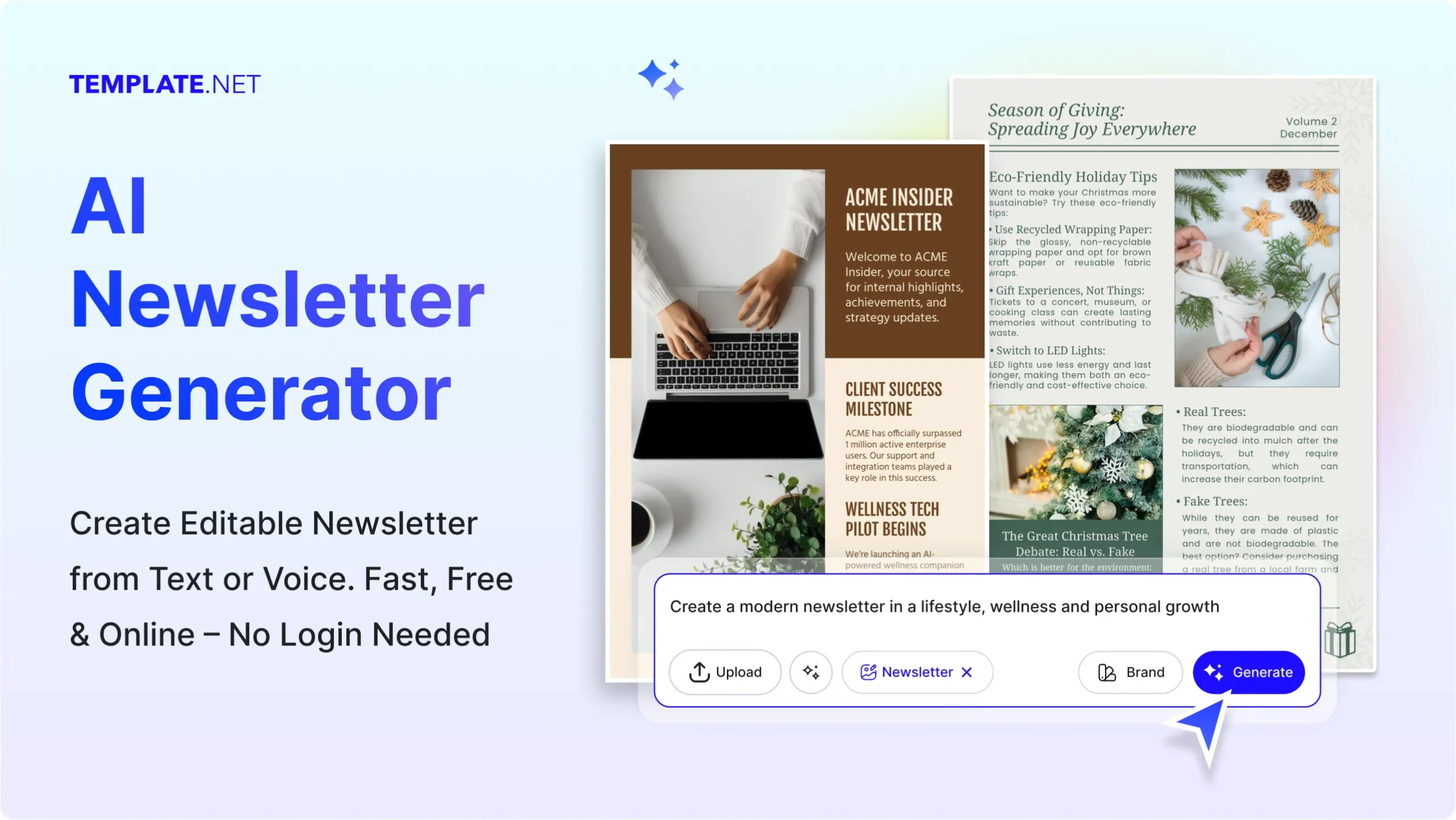
3. AI-Powered Email Newsletter Generator
This template generates complete email newsletters by analyzing your recent blog posts, industry news, and trending topics in your niche. It uses AI to curate content, write engaging introductions, summarize articles, and create compelling subject lines optimized for open rates. The workflow integrates with email platforms like Mailchimp, Convert Kit, or Active Campaign, and can automatically segment your audience based on content preferences. You can set it to run weekly or monthly, and it will deliver a polished newsletter draft to your inbox for final review before sending.
Make.com AI Templates for Lead Generation & Sales
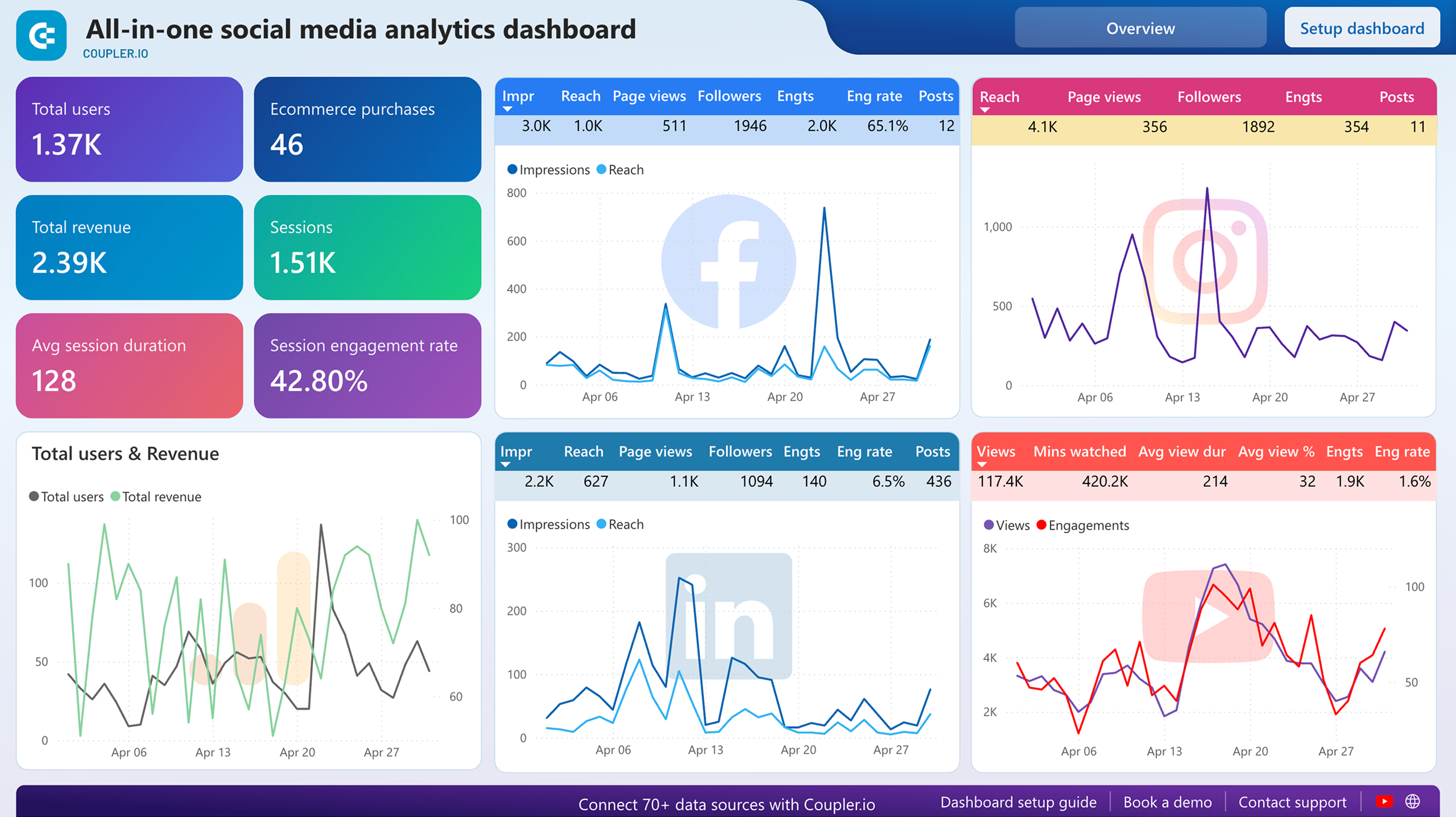
AI-powered lead generation and sales automation represent one of the highest-ROI applications of Make.com templates. These workflows combine data enrichment, intelligent scoring, personalized outreach, and automated follow-ups to create a complete lead-to-revenue pipeline that operates around the clock. Businesses implementing AI sales automations report an average 40% increase in qualified leads and a 25% reduction in sales cycle length. Here are the most effective lead generation templates available.

4. Automated AI Lead Scoring & Qualification
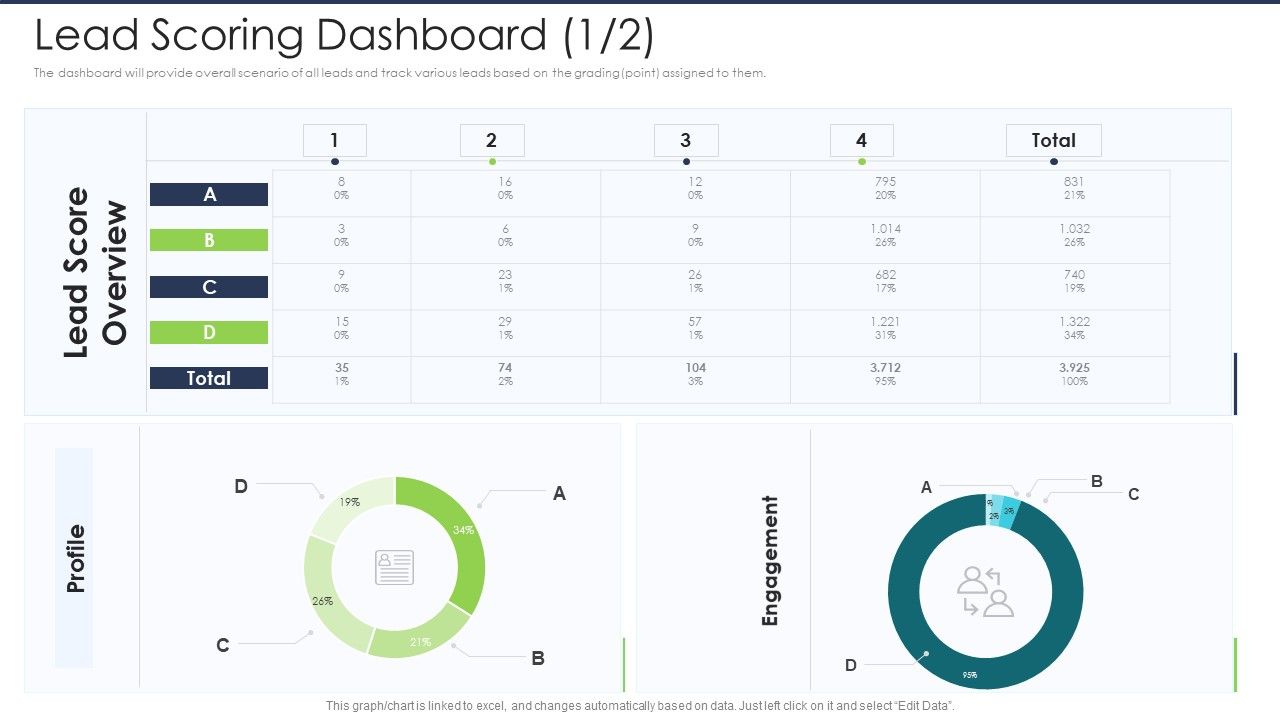
This template revolutionizes the lead qualification process by using AI to analyze and score every incoming lead based on multiple data points. When a new lead enters your CRM (through a form submission, website visit, or social media interaction), the automation fetches additional data about the company and contact using tools like Apollo.io or Clearbit, passes all the information through an AI model that evaluates fit based on your ideal customer profile, and assigns a qualification score. High-scoring leads are automatically routed to your sales team for immediate follow-up, while lower-scoring leads enter an automated nurturing sequence.
The AI scoring model can be customized to weigh factors like company size, industry, job title, website technology stack, recent funding rounds, and engagement history. Unlike traditional rule-based scoring systems, the AI can identify nuanced patterns and combinations of signals that indicate buying intent, resulting in significantly more accurate qualification. Teams using this template report that sales reps spend 60% less time on unqualified leads and close 35% more deals.
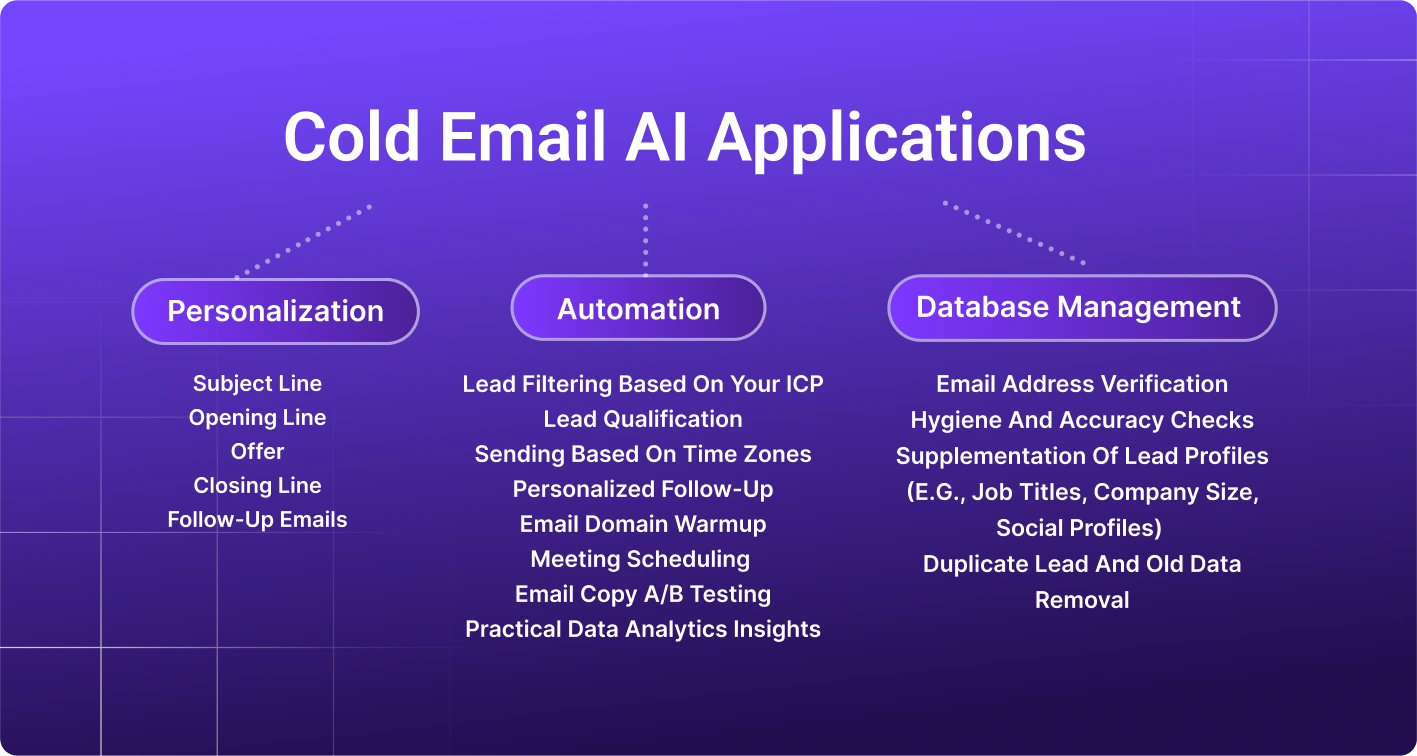
5. AI-Powered Cold Email Personalization Engine
Cold email outreach is notoriously time-consuming, and generic templates get terrible response rates. This Make.com template solves both problems by using AI to research each prospect and generate hyper-personalized emails at scale. The workflow starts with a list of prospects in a Google Sheet or Airtable, uses AI to visit their company website and LinkedIn profile, identifies relevant talking points and recent news about their company, and crafts a personalized cold email that references specific details about the prospect's business challenges and goals.
The template includes a quality control step where the AI evaluates each generated email for personalization relevance, tone, and spam score before sending. It integrates with email sending tools like Gmail, Outlook, or dedicated cold email platforms, and can handle follow-up sequences based on recipient behavior (opened, replied, clicked, bounced). Users of this template report response rates 3-5x higher than traditional template-based cold outreach, making it an incredibly valuable tool for B2B sales teams and agencies.
6. AI Chatbot Lead Capture for Websites
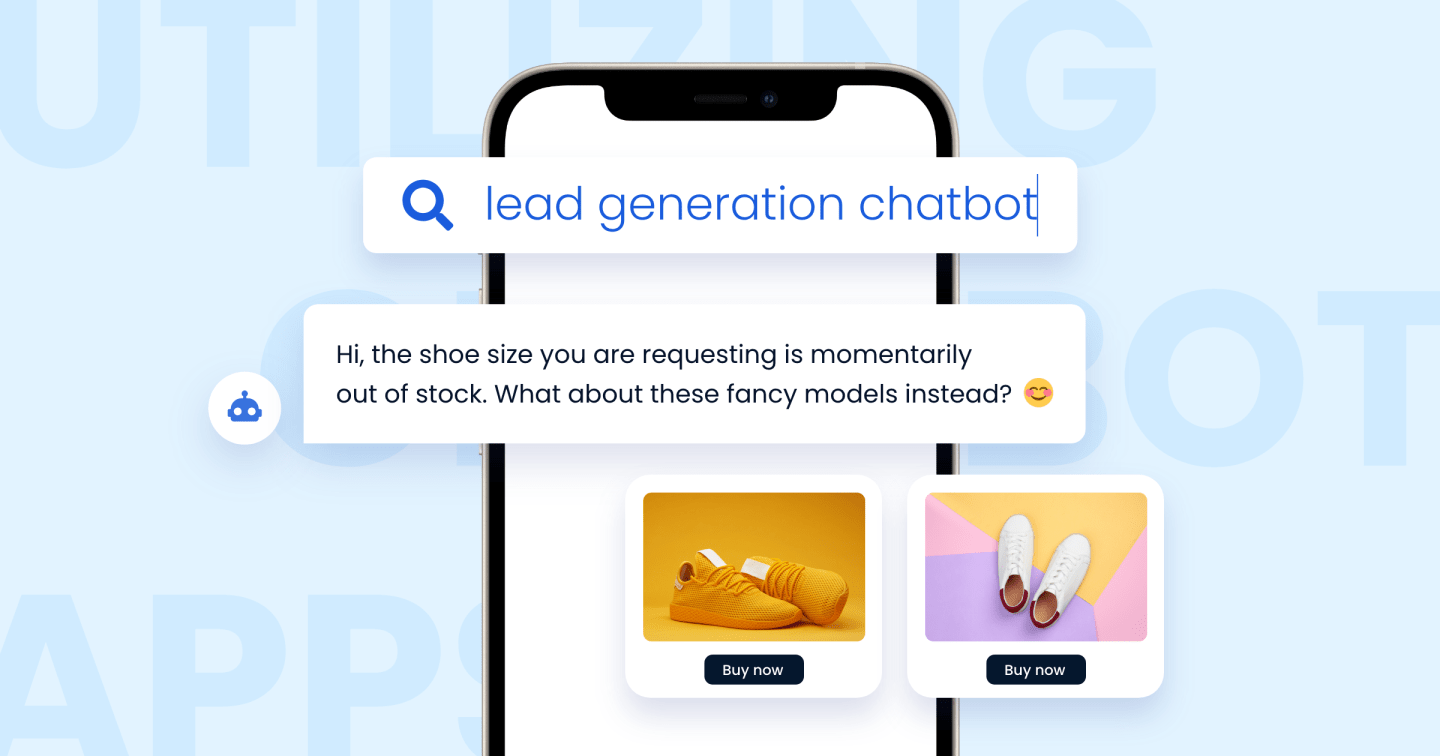
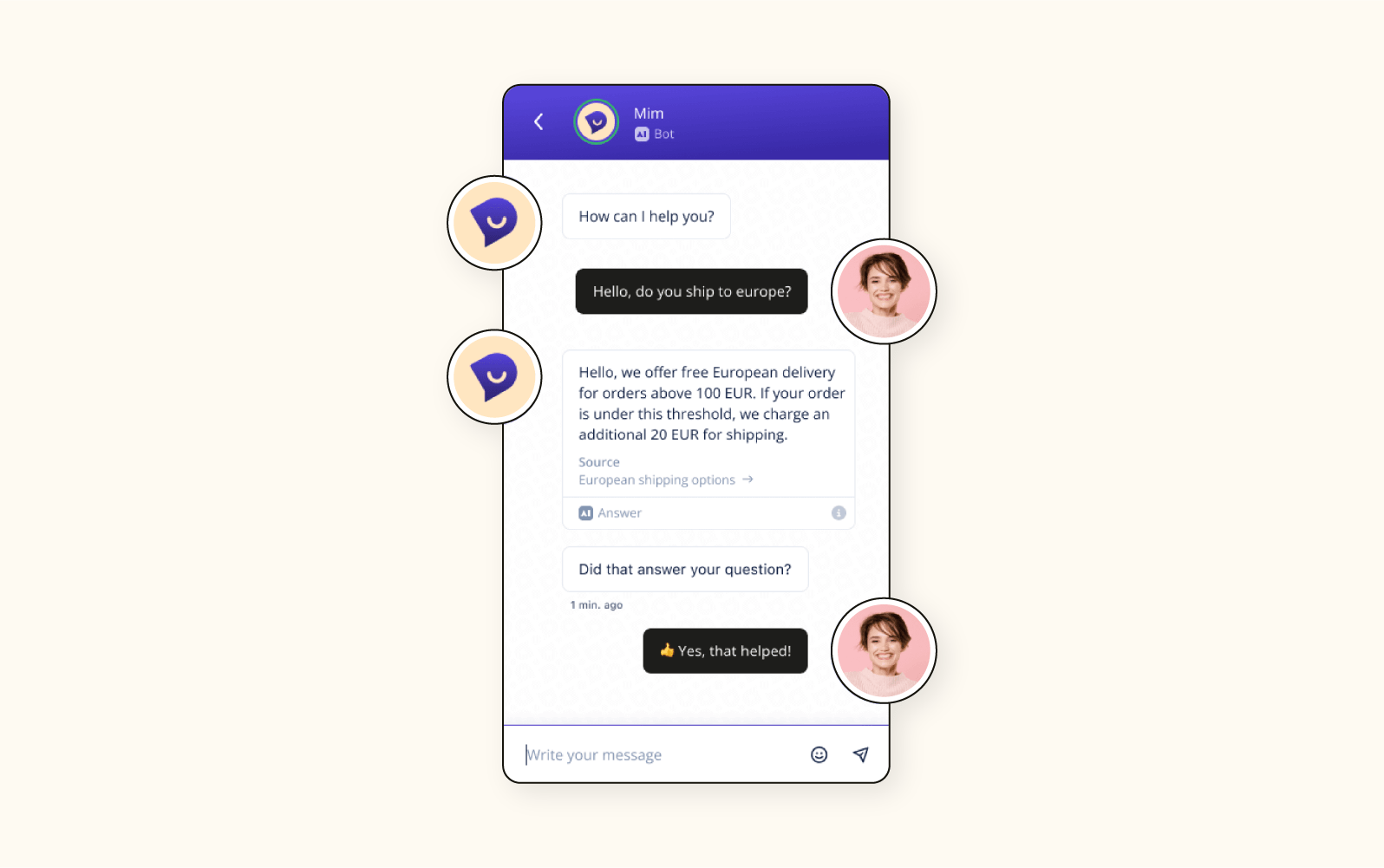
This template creates an intelligent lead capture chatbot that engages website visitors in natural conversation, answers their questions about your products or services, qualifies them based on their needs, and captures their contact information for follow-up. Unlike traditional chatbots that follow rigid decision trees, this AI-powered version uses GPT-4 or Claude to understand natural language, handle unexpected questions gracefully, and provide genuinely helpful responses that build trust and move prospects toward conversion.
The integration connects Make.com with your website (via webhook or live chat widget), an AI model for conversation handling, and your CRM or email marketing tool for lead storage. You can train the AI on your product documentation, FAQ pages, and previous customer conversations to ensure accurate and on-brand responses. The chatbot operates 24/7, captures leads even when your team is offline, and provides detailed conversation logs that help your sales team understand each prospect's specific needs before reaching out.
AI Automation Templates for Customer Support
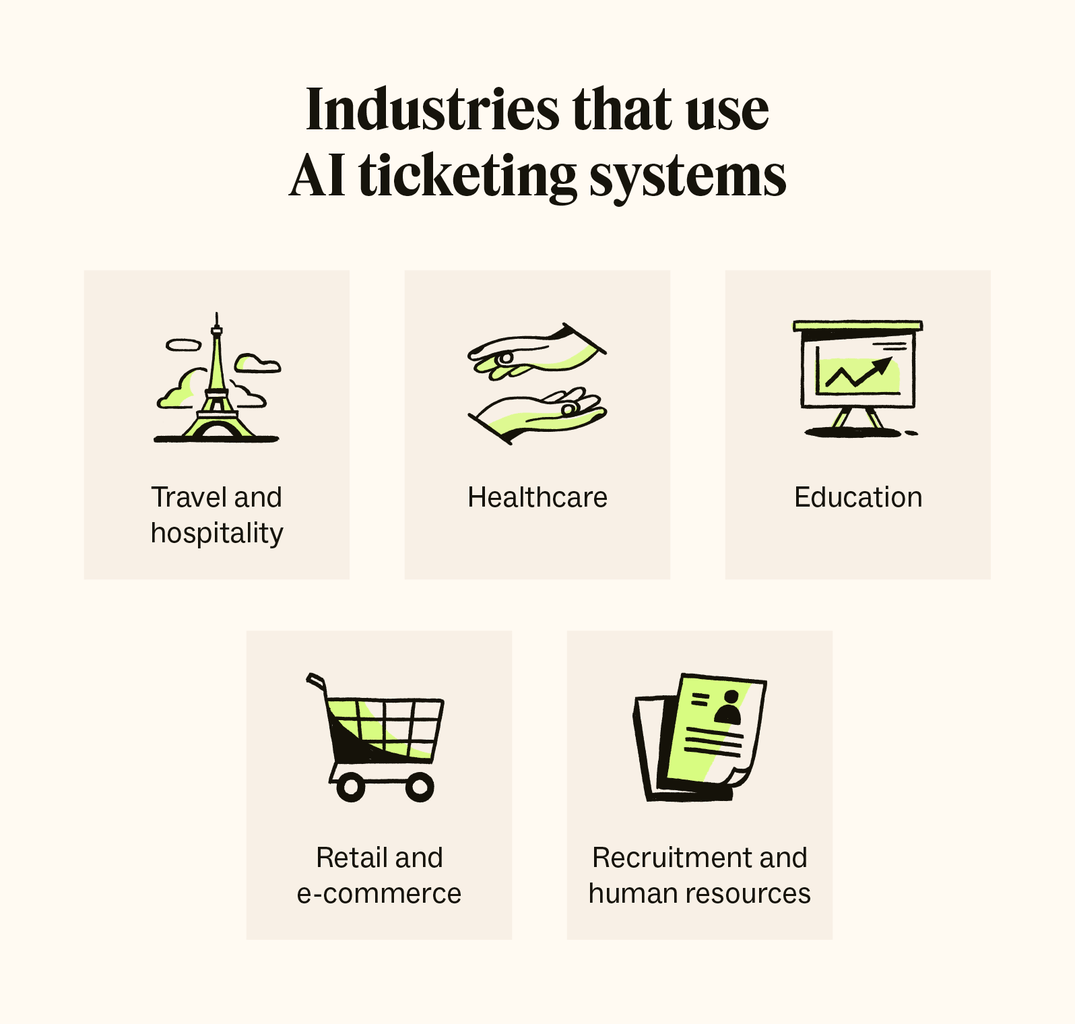
Customer support is being transformed by AI automation, and Make.com offers several powerful templates that can dramatically reduce response times while improving satisfaction scores. Modern consumers expect instant responses, and AI-powered support automations can handle up to 80% of routine inquiries automatically, freeing your human support team to focus on complex issues that require empathy and creative problem-solving. These templates integrate with popular helpdesk platforms, communication channels, and AI models to create comprehensive support automation systems.

7. AI Ticket Classification & Routing
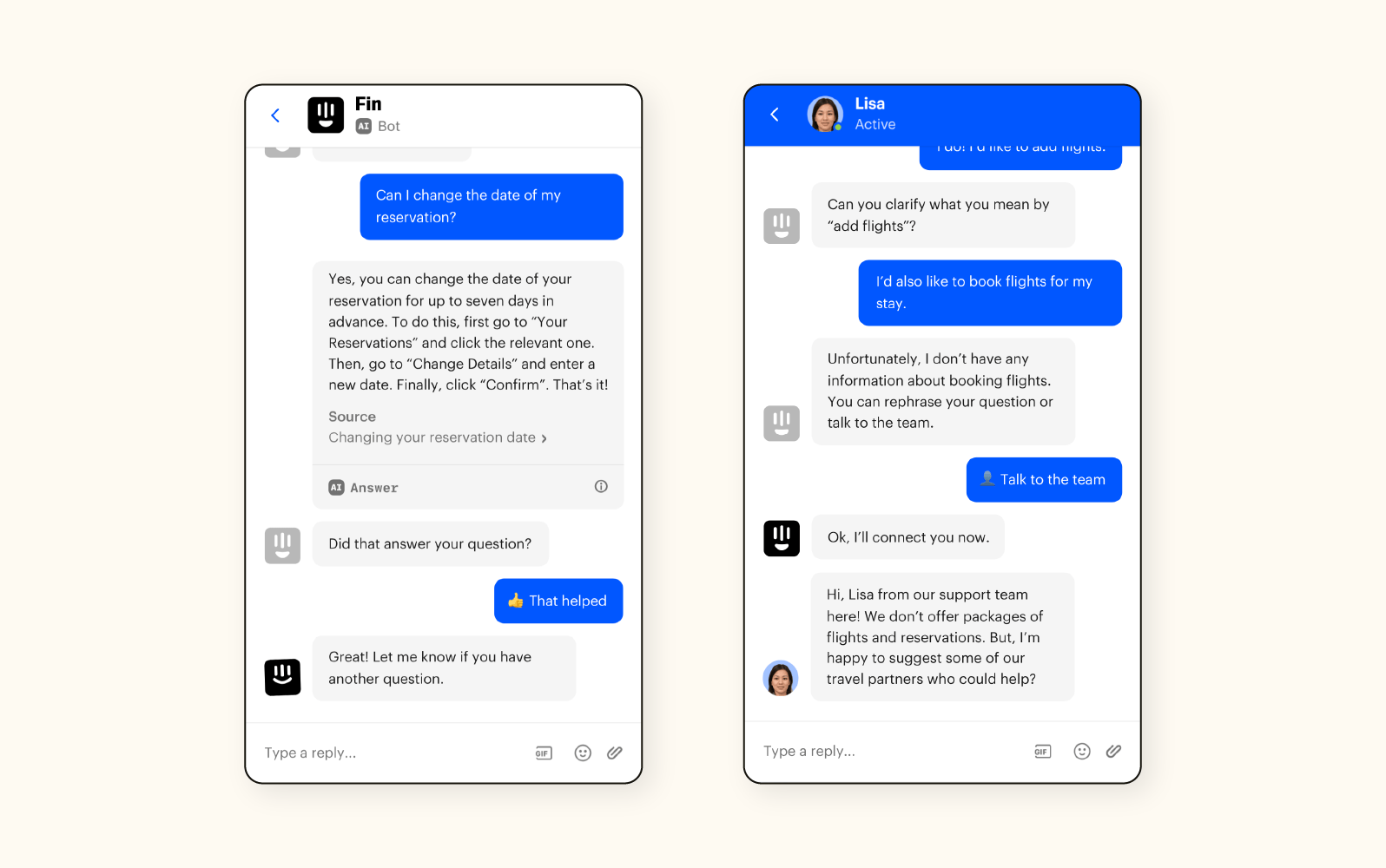
When a customer submits a support ticket through email, chat, or a contact form, this template uses AI to automatically analyze the content, determine the issue category (billing, technical, feature request, complaint, etc.), assess urgency based on language and keywords, identify sentiment (frustrated, neutral, positive), and route it to the appropriate team or department with the right priority level. This eliminates manual triage, which typically consumes 2-3 hours per day for support managers, and ensures tickets reach the right person immediately.
The template works with Zendesk, Freshdesk, Intercom, and most other helpdesk platforms. The AI classification model can be trained on your historical ticket data to understand your specific categories and terminology. It also extracts key entities like order numbers, product names, and error messages, appending them to the ticket as structured data that helps agents resolve issues faster. Teams implementing this template report average first-response times dropping from 4 hours to under 15 minutes, and customer satisfaction scores increasing by an average of 22%.
8. Automated AI Response Drafting for Support Teams
This template goes beyond classification by actually drafting suggested responses for human agents to review and send. When a ticket is classified, the AI generates a personalized response that addresses the customer's specific issue, references relevant documentation or help articles, and maintains your brand's voice and tone. Agents receive the drafted response alongside the ticket and can edit it as needed before sending, reducing the average time-per-ticket from 8 minutes to under 2 minutes. For straightforward questions, the template can be configured to send responses automatically without human intervention.
9. AI-Powered Customer Feedback Analysis
Collecting customer feedback is only valuable if you can extract actionable insights from it. This Make.com template aggregates feedback from multiple sources (NPS surveys, support tickets, social media mentions, app store reviews, and G2/Capterra reviews), uses AI to analyze sentiment trends, identify recurring themes, detect emerging issues before they become widespread, and generate a weekly summary report with specific recommendations for improvement. The report is delivered to your team via email or Slack, highlighting the most critical insights and tracking sentiment changes over time.
What makes this template particularly powerful is its ability to connect feedback to specific product features, customer segments, and business metrics. For example, it can tell you not just that customers are unhappy with a feature, but exactly which user segment is most affected, how sentiment has changed over the past 30 days, and whether the issue correlates with recent changes in your product. This level of analysis would typically require a dedicated data analyst, but this template makes it accessible to any team with no technical expertise required.
AI Data Processing & Productivity Templates
Data processing and productivity automation represent some of the most versatile and practical applications of Make.com's AI capabilities. These templates handle the repetitive data tasks that consume countless hours every week, from extracting information from documents and processing forms to managing schedules and organizing files. With AI handling the heavy lifting, teams can focus on strategic work that actually moves the needle for their business.

10. AI Document Data Extraction & Processing
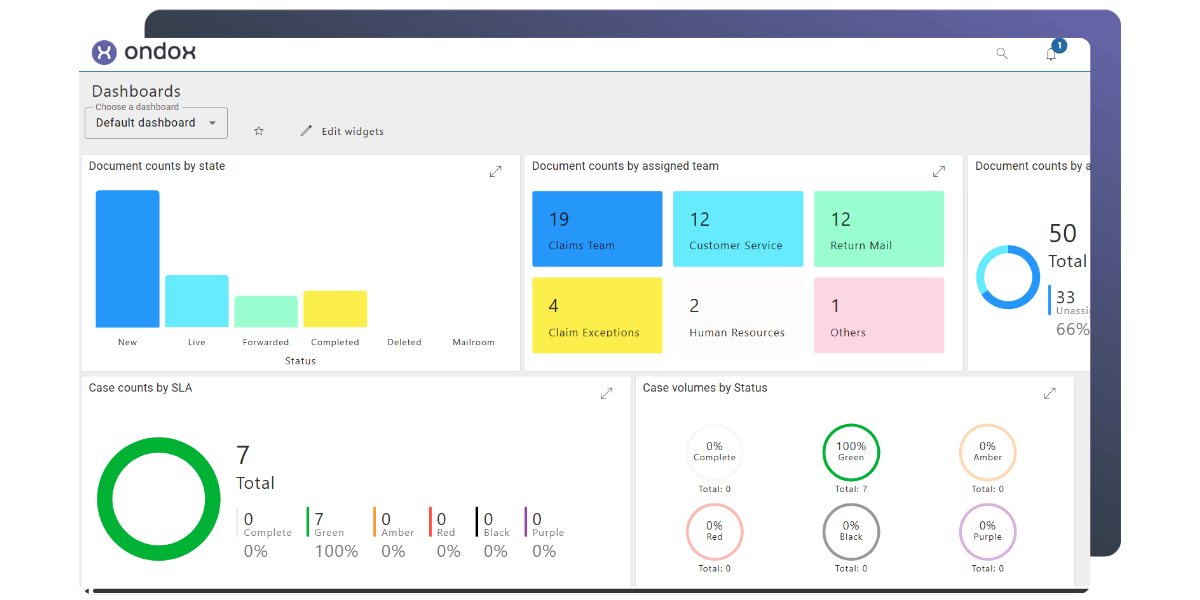
This template automates the extraction of structured data from unstructured documents like invoices, receipts, contracts, resumes, and forms. When a new document arrives (via email, Google Drive, Dropbox, or a file upload form), the automation uses AI vision and language models to read the document, extract relevant fields, validate the extracted data, and populate it into your database, spreadsheet, or CRM. It handles various document formats including PDF, images, and scanned documents, making it incredibly versatile for business operations.
The template uses OpenAI's Vision API or specialized document AI models to achieve high accuracy rates of 95%+ on common document types. It includes validation rules that flag potentially incorrect extractions for human review, ensuring data quality. Common applications include automated invoice processing for accounts payable, resume screening for HR departments, contract data extraction for legal teams, and lead capture from business cards and event forms. Companies using this template report processing documents 10x faster than manual data entry with significantly fewer errors.
11. AI Meeting Notes & Action Items Generator
This template automatically transcribes meeting recordings, generates structured notes with key discussion points, identifies action items with assigned owners and deadlines, and distributes the summary to all participants. It integrates with meeting platforms like Google Meet, Zoom, and Microsoft Teams to automatically capture recordings, then processes them through AI transcription and analysis. The result is a polished meeting summary document that would typically take 30-45 minutes to create manually, generated in under 2 minutes.
The template includes intelligent features like speaker identification, topic categorization, and follow-up task detection. It can distinguish between action items, decisions made, open questions, and informational notes, presenting each in a clearly organized format. The summary can be automatically posted to your team's Slack channel, added to a Notion or Confluence page, or sent via email. For teams that have multiple meetings per day, this template alone can save 10+ hours per week on meeting administration.
12. AI Smart Schedule & Calendar Management
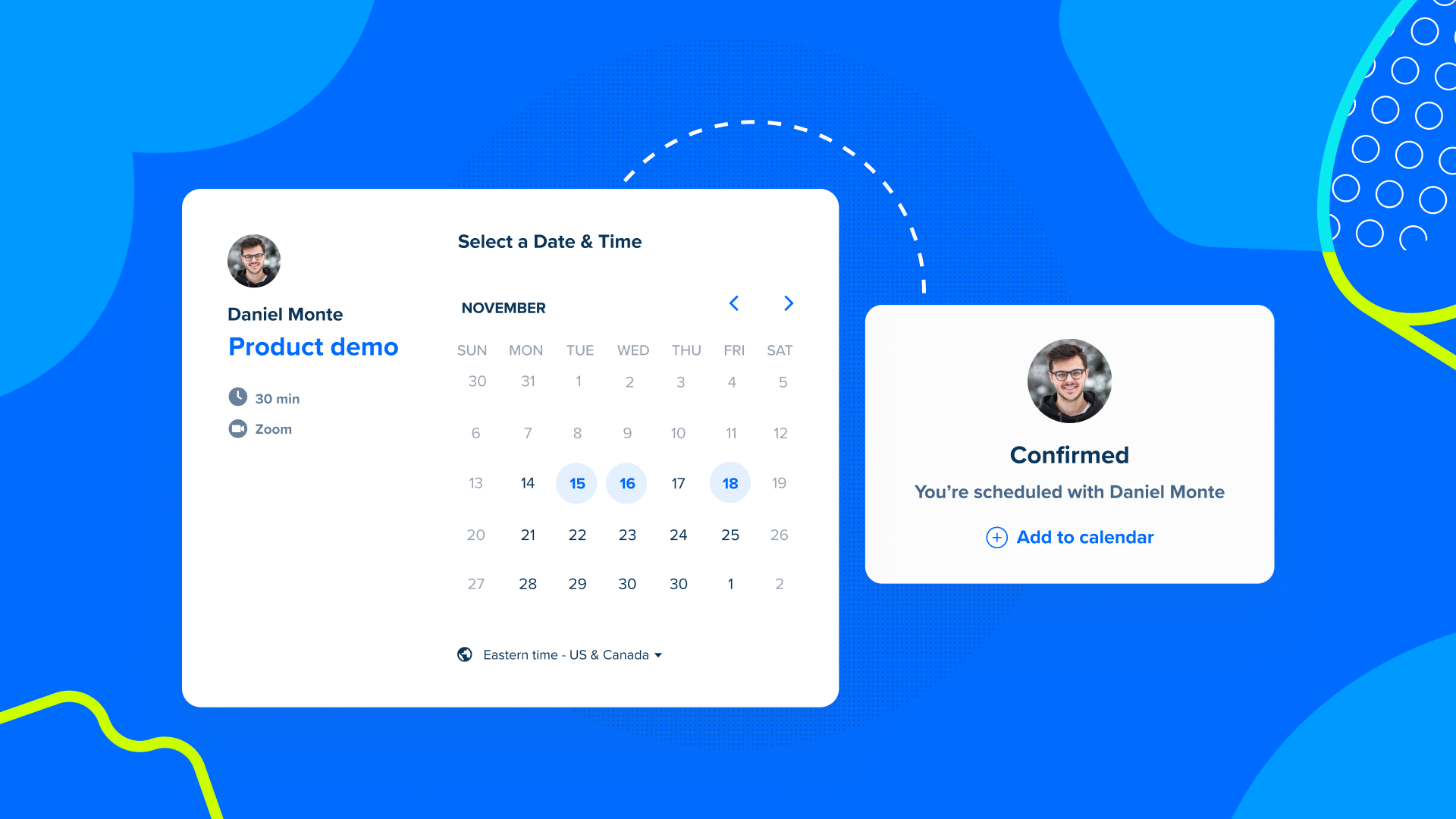
Managing calendars and scheduling meetings across time zones is a persistent productivity drain. This template uses AI to intelligently manage your calendar by analyzing meeting patterns, suggesting optimal time blocks for focused work, automatically scheduling meetings based on participant availability and preferences, and handling rescheduling and cancellations with minimal friction. It integrates with Google Calendar, Outlook, and Cal.com, and can coordinate across multiple team members' calendars simultaneously.
The AI component goes beyond simple availability matching by considering factors like meeting importance, participant time zones, historical meeting duration patterns, and preferred focus times. It can also generate pre-meeting briefs by pulling relevant context from your emails, documents, and previous meeting notes, ensuring every meeting starts with all participants well-prepared. Users report reclaiming an average of 5 hours per week that were previously lost to scheduling friction and unnecessary meetings.
AI Templates for E-Commerce Automation
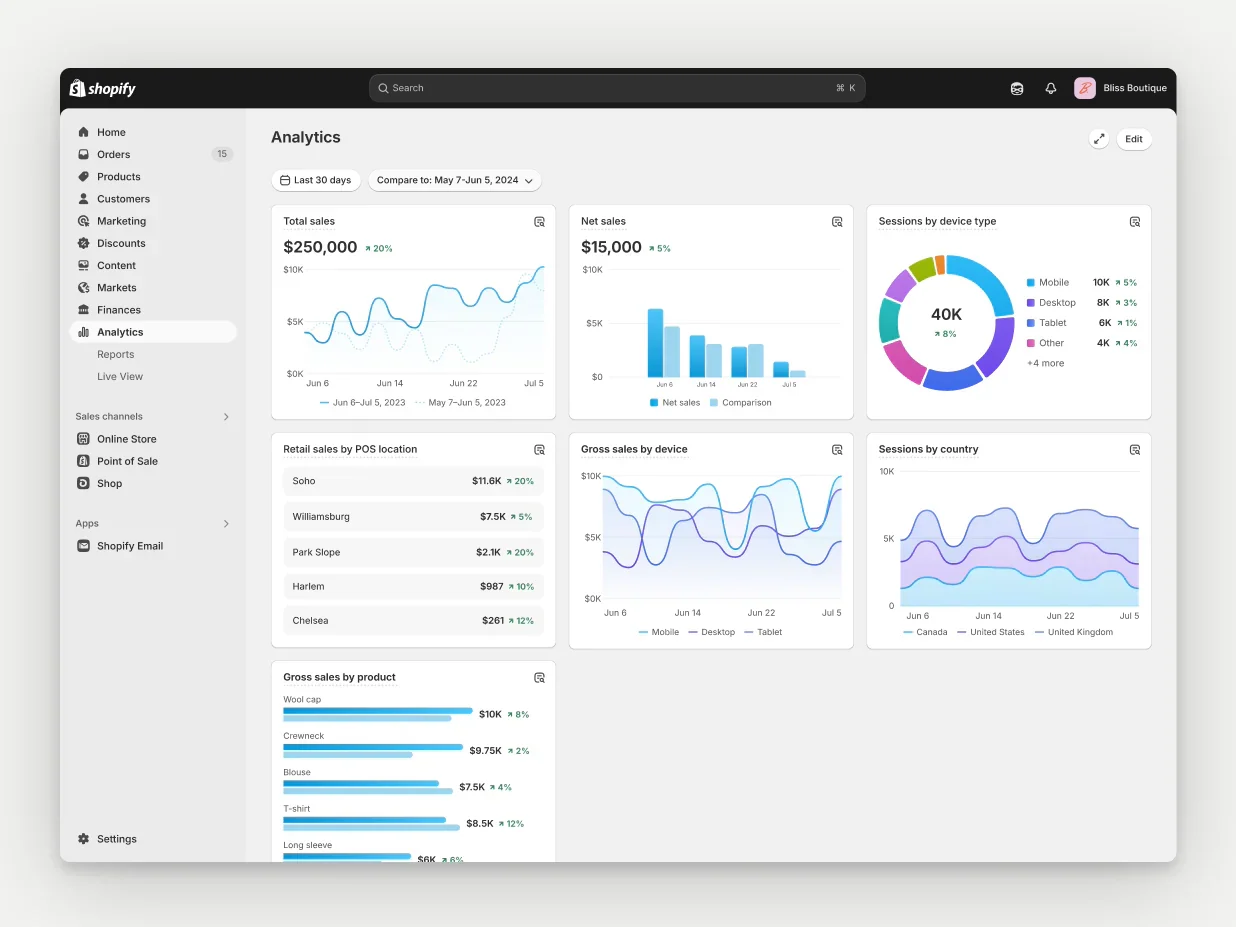
E-commerce businesses are uniquely positioned to benefit from AI automation because of the high volume of repetitive tasks involved in product management, customer communication, and order processing. These Make.com templates address the most common and time-consuming e-commerce workflows, enabling online store owners to scale their operations without proportionally increasing their workload. From product descriptions to customer reviews, AI handles the content-heavy aspects of running an online store.
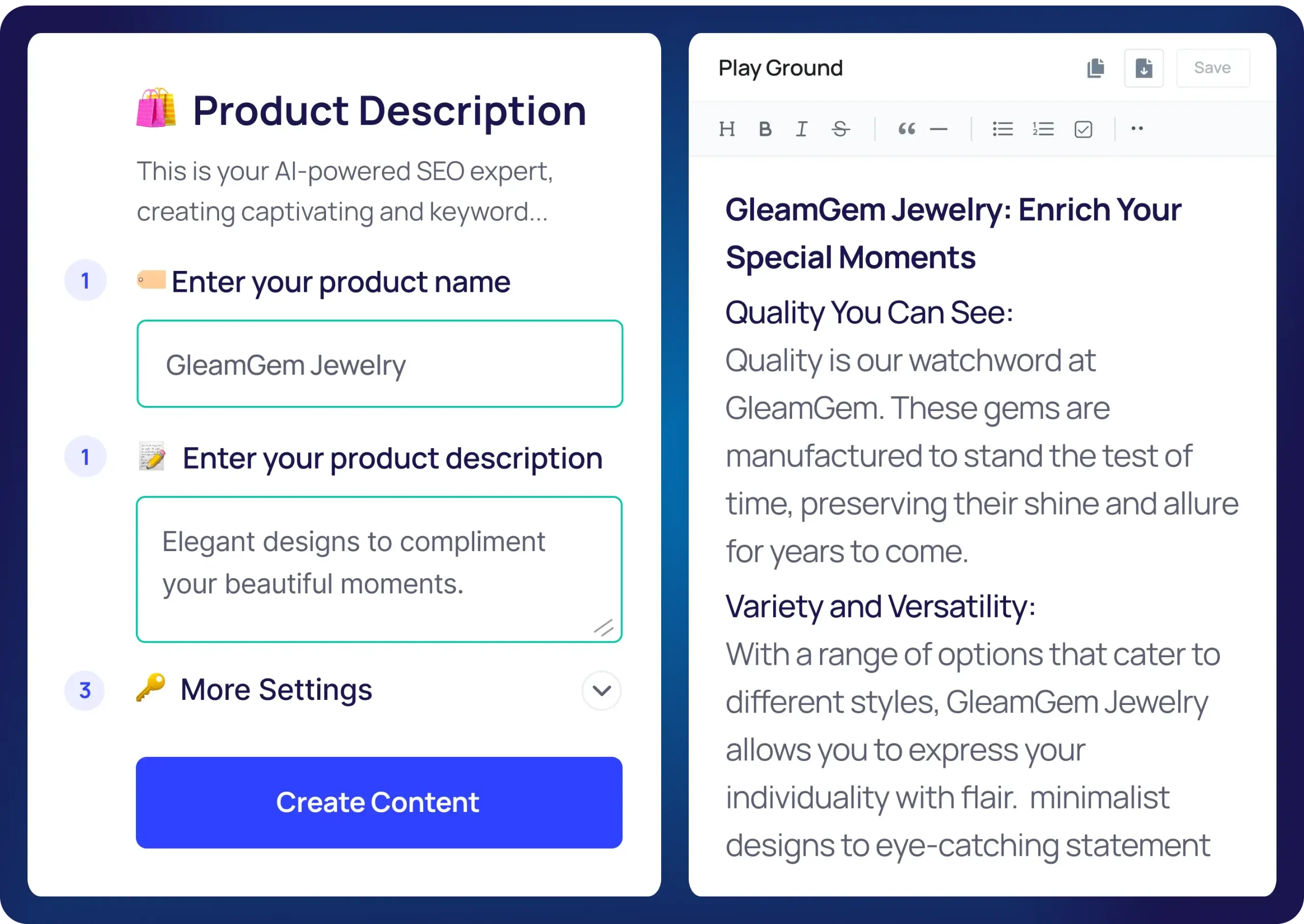
13. AI Product Description Generator for Shopify & WooCommerce
Writing compelling product descriptions for hundreds or thousands of SKUs is one of the most tedious tasks in e-commerce. This Make.com template automates the entire process by pulling product data (name, features, specifications, images) from your store or a spreadsheet, passing it through an AI model that generates SEO-optimized, conversion-focused product descriptions, and pushing the results back to your store. The AI can be configured to match your brand voice, include specific keywords for SEO, highlight key benefits, and format the descriptions with proper HTML for your store's theme.
The template supports bulk processing, so you can generate descriptions for hundreds of products in a single automation run. It also includes a translation feature that can generate descriptions in multiple languages, making it invaluable for international e-commerce operations. Store owners using this template report generating product descriptions 20x faster than manual writing, with the added benefit of consistent quality and SEO optimization across their entire product catalog.
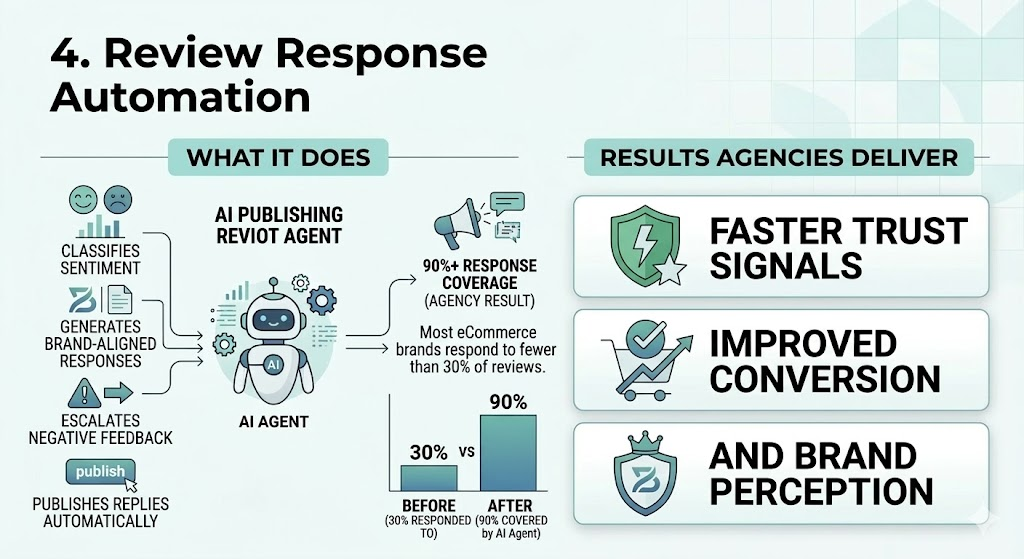
14. AI-Powered Review Response & Sentiment Monitor
Customer reviews directly impact sales, and responding to them promptly (both positive and negative) shows customers that you care. This template automatically monitors new reviews across platforms like Google Business, Trustpilot, Amazon, and Shopify, uses AI to analyze the sentiment and content of each review, generates an appropriate personalized response that addresses the customer's specific feedback, and either posts it automatically (for positive reviews) or flags it for human review (for negative reviews that require careful handling).
Beyond individual responses, the template compiles weekly sentiment reports that track your overall rating trends, identify common praise and complaints, and alert you to potential issues before they escalate. For multi-location businesses, it can break down sentiment by location, helping you identify which stores or regions need attention. E-commerce businesses using this template report responding to reviews 5x faster and seeing a measurable improvement in their overall ratings within 60-90 days of implementation.
Complete Template Comparison: At a Glance
The following table provides a quick-reference comparison of all 14 Make.com AI automation templates covered in this guide, including their primary AI integration, difficulty level, estimated time savings, and best-fit business type. Use this table to quickly identify which templates are most relevant to your specific needs and priorities.
| Template | AI Integration | Difficulty | Time Saved | Best For |
| Blog Post Generator | OpenAI GPT-4 | Beginner | 12-15 hrs/week | Bloggers, Agencies |
| Social Media Repurposer | Claude / GPT-4 | Beginner | 8-10 hrs/week | Marketing Teams |
| Newsletter Generator | OpenAI GPT-4 | Beginner | 4-6 hrs/week | Content Creators |
| Lead Scoring & Qualification | OpenAI + Apollo | Intermediate | 6-8 hrs/week | B2B Sales Teams |
| Cold Email Personalizer | OpenAI + Web Data | Intermediate | 10-15 hrs/week | SaaS, Agencies |
| Website Chatbot Lead Capture | GPT-4 + Webhook | Advanced | 20+ hrs/week | All Businesses |
| Ticket Classification | OpenAI + Zendesk | Beginner | 2-3 hrs/day | Support Teams |
| Response Drafting | Claude + Helpdesk | Beginner | 4-6 hrs/day | Support Teams |
| Feedback Analysis | GPT-4 + Multi-source | Intermediate | 5-8 hrs/week | Product Teams |
| Document Data Extraction | OpenAI Vision | Intermediate | 10x faster | Operations, Finance |
| Meeting Notes Generator | Whisper + GPT-4 | Beginner | 10+ hrs/week | All Teams |
| Smart Calendar Management | AI Scheduling | Beginner | 5 hrs/week | Managers, Execs |
| Product Description Generator | GPT-4 + Shopify | Beginner | 20x faster | E-Commerce |
| Review Response Automation | Claude + APIs | Intermediate | 5x faster | E-Commerce |
How to Set Up Your First Make.com AI Automation Template
Getting started with Make.com AI automation templates is straightforward, even if you have no prior experience with workflow automation or AI tools. This step-by-step guide walks you through the entire process from creating your account to running your first AI-powered automation. Follow these steps carefully and you will have your first template up and running in under 30 minutes.
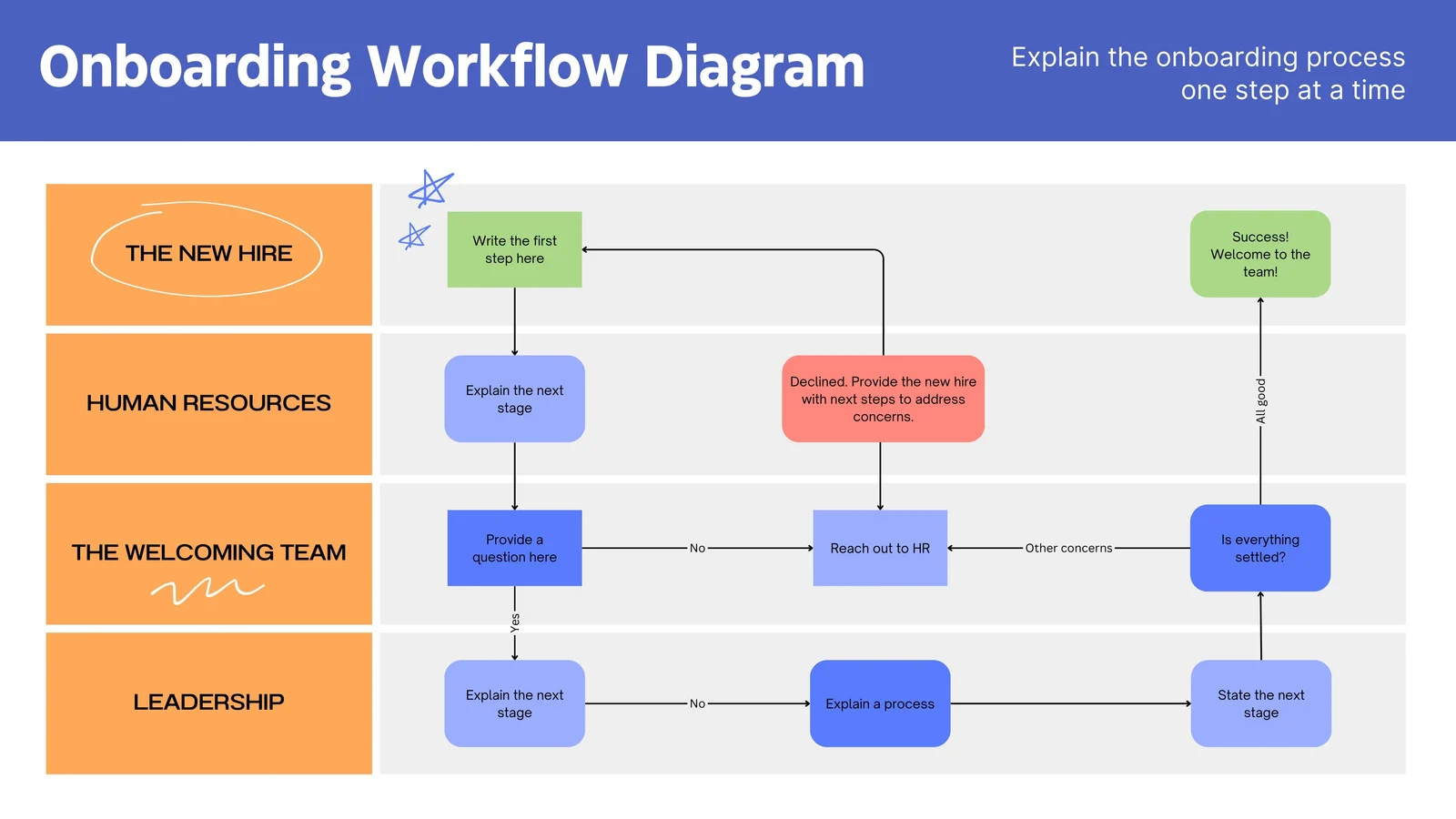
Step 1: Create Your Make.com Account
Visit make.com and sign up for a free account. The free plan includes 1,000 operations per month, which is sufficient to test multiple templates and run small-scale automations. You will need to verify your email address and complete your profile. Once logged in, you will be presented with the main dashboard where you can access the template library, create new scenarios, and manage your existing automations. Take a moment to explore the interface and familiarize yourself with the layout before proceeding.
Step 2: Connect Your AI Provider
Before using AI templates, you need to connect at least one AI provider. Make.com supports OpenAI, Google Gemini, Anthropic Claude, and Mistral out of the box. To connect OpenAI, click on your profile icon, select Connections, search for OpenAI, and enter your API key (available from platform.openai.com). For Google Gemini, you will need a Google AI Studio API key. Make.com also offers its own AI Agents feature, which provides pre-configured AI capabilities without requiring separate API keys, making it an excellent option for beginners.
Step 3: Choose and Customize a Template
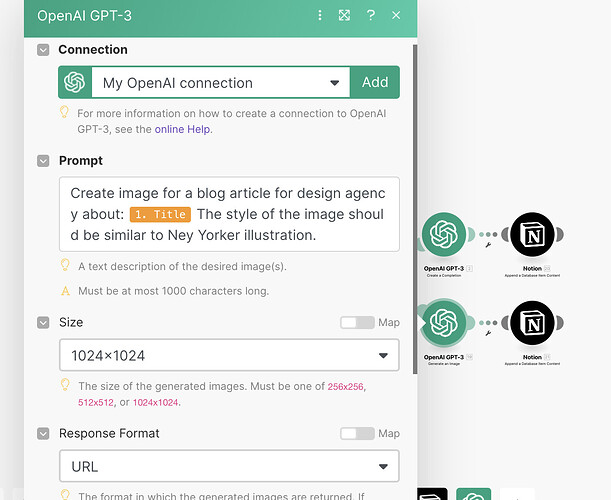
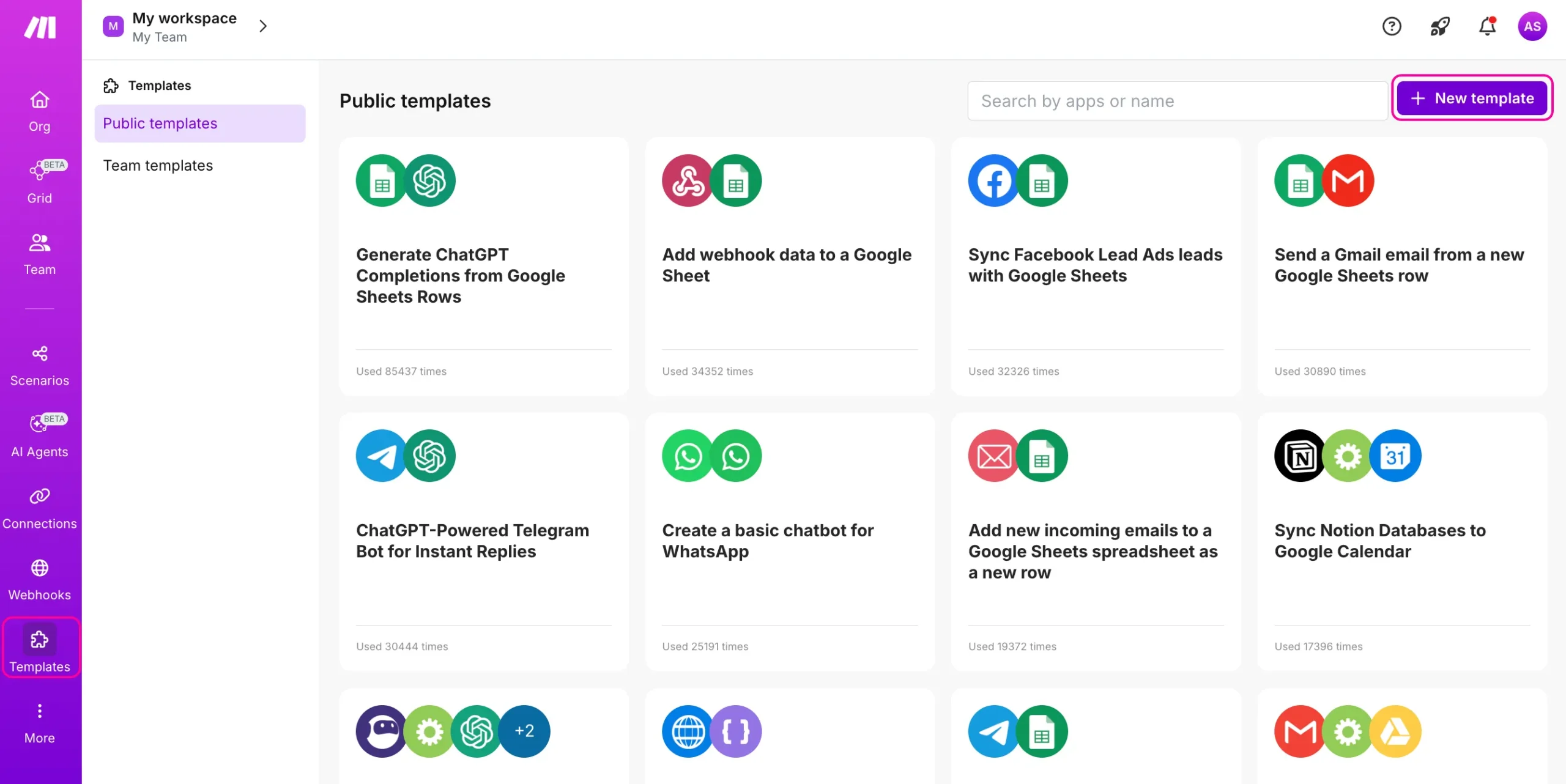
Navigate to the Templates section and use the search bar to find the template you want (for example, search for "AI blog post generator" or "OpenAI Google Sheets"). Click on a template to preview its workflow structure, then click "Use this template" to import it into your account. Review each module in the workflow and customize the settings to match your requirements. For AI modules, you can adjust the model, temperature (creativity level), system prompt, and maximum tokens. For app connections, you will need to authenticate with each service the template uses (Google Sheets, Slack, WordPress, etc.).
Step 4: Test and Activate Your Automation
Before activating your automation, use Make.com's built-in testing feature to run it once manually. Click the "Run once" button to execute each step and verify the output at every stage. Check that the AI is generating appropriate content, data is flowing correctly between modules, and the final output meets your expectations. If anything needs adjustment, modify the relevant module settings and test again. Once you are satisfied with the results, toggle the automation to "ON" to activate it. Make.com will now run the automation automatically based on the trigger schedule or event you configured.
Best Practices for Make.com AI Automation Success
While Make.com templates make it easy to get started, following proven best practices will help you get the most out of your AI automations and avoid common pitfalls. These recommendations are based on extensive real-world testing and feedback from the Make.com community of over 500,000 users worldwide.
Crafting Effective AI Prompts
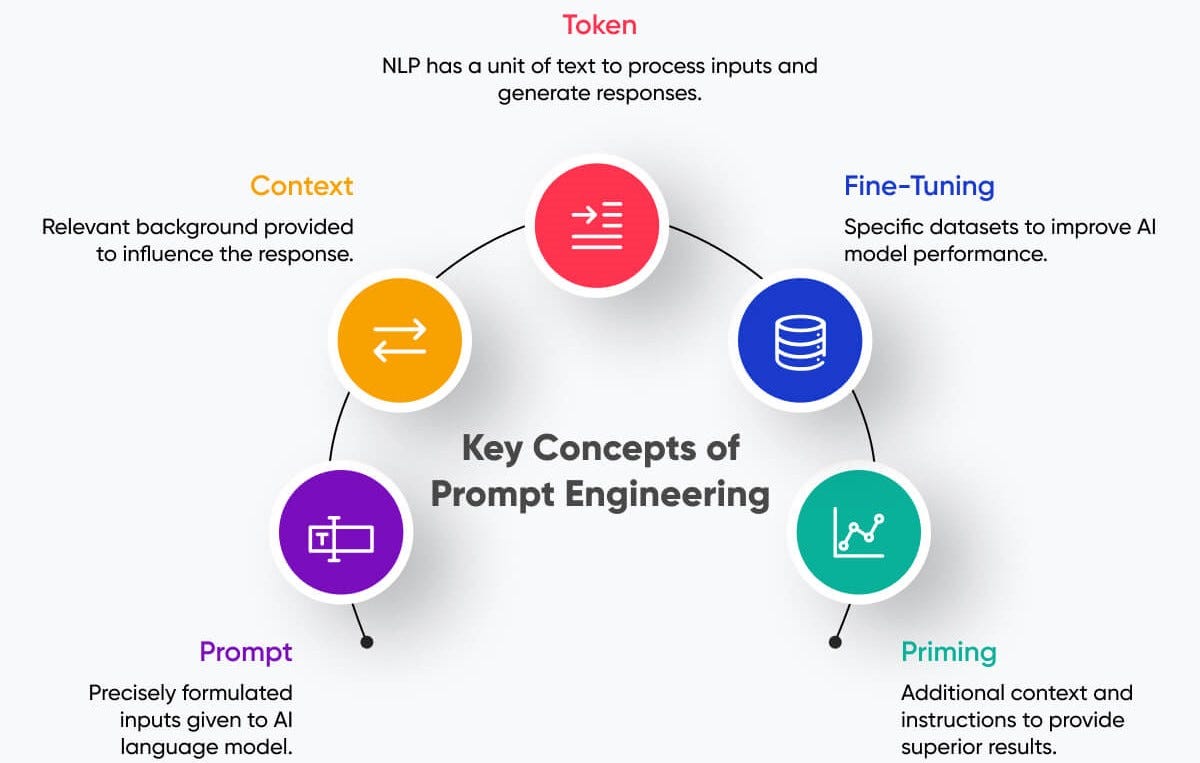
The quality of your AI outputs is directly proportional to the quality of your prompts. When customizing templates, take the time to refine the system prompts that instruct the AI. Be specific about the desired output format, tone, length, and constraints. Include examples of ideal outputs (few-shot prompting) to guide the AI. Use consistent terminology and avoid ambiguous instructions. Test your prompts with edge cases to ensure the AI handles unexpected inputs gracefully. Remember that small changes in prompt wording can produce dramatically different results, so iterative testing is essential.
Error Handling and Monitoring
AI models can occasionally produce unexpected outputs, encounter rate limits, or experience service disruptions. Always configure error handling in your Make.com scenarios by adding error routing paths, setting up automatic retries with exponential backoff, and implementing fallback responses for critical automations. Make.com's built-in error handling features include the "Ignore" and "Break" error handlers, as well as the ability to route errors to specific modules for logging and alerting. Set up notifications (via Slack, email, or Make.com's built-in error logging) so you are immediately aware of any automation failures.
Data Privacy and Compliance
When sending data through AI models, it is important to consider privacy implications. Never send sensitive customer data (SSNs, credit card numbers, health records) to public AI APIs unless you have proper consent and the AI provider offers enterprise-grade data protection. Make.com offers data masking features and on-premise deployment options for enterprise customers. For regulated industries, consider using AI providers that offer data processing agreements and comply with GDPR, HIPAA, or other relevant regulations. Always review the data retention policies of your AI providers and configure your automations to minimize unnecessary data exposure.
Scaling Your Automations
Start small with a single template, validate its performance, and gradually expand your automation ecosystem. As you become more comfortable with Make.com, you can combine multiple templates into complex mega-automations that handle entire business processes end-to-end. Use Make.com's data stores to share information between scenarios, and leverage the HTTP module to create custom API integrations when pre-built connectors are not available. Monitor your operation usage to ensure you stay within your plan limits, and consider upgrading to a higher plan as your automation needs grow.
Frequently Asked Questions About Make.com AI Automation Templates
Are Make.com AI automation templates free to use?
Make.com offers a free plan that includes 1,000 operations per month and access to all templates. This is sufficient for testing templates and running small-scale automations. However, you will also need an API key from your AI provider (OpenAI, Google, etc.), which may have its own usage costs. OpenAI's GPT-4 API, for example, charges per token for input and output. For most small business use cases, the combined cost of Make.com and AI API usage ranges from $10 to $50 per month, which is significantly less than hiring a dedicated person to perform the same tasks.
Do I need coding skills to use these templates?
No, Make.com is designed as a no-code platform. All templates can be set up and customized entirely through the visual drag-and-drop interface. You do not need to write any code to use these AI automation templates. However, a basic understanding of APIs and data formats (JSON) can be helpful for advanced customization. Make.com's extensive documentation, video tutorials, and active community forum provide plenty of support for beginners. The templates covered in this guide are specifically selected for their beginner-friendliness and include detailed setup instructions.
How reliable are AI automations compared to manual work?
AI automations are highly reliable for well-defined, repetitive tasks. For tasks like data extraction, content generation, and email classification, AI models typically achieve accuracy rates of 90-98%. However, AI is not perfect and can occasionally produce unexpected results, especially with ambiguous inputs. The best practice is to implement human-in-the-loop workflows where AI handles the heavy lifting and humans review the output before final delivery. This hybrid approach combines the speed of AI with the judgment of human oversight, resulting in both efficiency and quality.
Can I combine multiple AI templates into one workflow?
Yes, one of Make.com's greatest strengths is the ability to create complex multi-step workflows. You can chain multiple AI operations together, branch logic based on AI outputs, and integrate data from multiple sources into a single automation. For example, you could create a workflow that monitors RSS feeds for new content, uses AI to summarize articles, generates social media posts from the summaries, creates images with DALL-E, and publishes everything to multiple platforms, all in a single Make.com scenario. The visual canvas makes it easy to understand and manage even complex multi-AI workflows.
What is the difference between Make.com and Zapier for AI automation?
While both platforms support AI integrations, Make.com offers several advantages for AI automation specifically. Make.com's visual canvas is better suited for complex AI workflows with multiple branches and data transformations. Make.com also supports more advanced data manipulation, has lower per-operation pricing at scale, and offers the innovative AI Agents feature for building autonomous AI systems. Zapier's strength is its simplicity and larger integration library, but for AI-heavy workflows, Make.com generally provides more flexibility, better value, and superior visual workflow management capabilities.
Also Read:
Best AI SEO Tools in 2026: Top AI SEO Software for Rankings, Tracking and Analysis

Best AI SEO Tools & Agencies in 2026: The Ultimate Guide to AI-Powered Search Dominance

Sora Shutting Down? OpenAI Confirms Sora App Shutdown — What’s Really Happening in 2026

Automate YouTube with N8N

What Are AI Search Optimization Tools? Complete Guide (2026)

Make YouTube Videos with AI Free (2026 Guide for Beginners)

🧠 Can AI Content Rank on Google in 2026? (Real Answer for Creators)

🧠 Best AI Tools for Content Creators in 2026 (Complete Guide)


[…] & Reviewed for Enterprise Optimization April 9, 2026Gumloop AI Automation Review 2026 April 7, 202615+ Best Make.com AI Automation Templates April 3, 2026Best AI SEO Tools in 2026: […]
[…] & Reviewed for Enterprise Optimization April 9, 2026Gumloop AI Automation Review 2026 April 7, 202615+ Best Make.com AI Automation Templates April 3, 2026Best AI SEO Tools in 2026: […]